


What if you could draft a criminal SLP faster, with better accuracy, and less effort?
Table of Contents
AI for litigators is revolutionising legal drafting. It is the next big thing. While AI will not do 100% of the work, it can reduce your workload by up to 90% and significantly cut down drafting time.
All you need to know is:
- How to draft a Criminal SLP
- The right prompts to use with AI
You will still need to edit the final draft slightly, but by then, most of your work is already done.

Drafting a Criminal SLP Challenging Refusal of Anticipatory Bail Using Claude.ai
Step 1: Define the Legal Framework
First, instruct AI about:
- What you want to file
- The relevant legal provisions
Prompt:
“I intend to file a Criminal Special Leave Petition under Article 136 of the Constitution of India. Criminal Special Leave Petitions are filed as per Order XXII of the Supreme Court Rules. I will provide you with the facts of the case in the next prompt.”
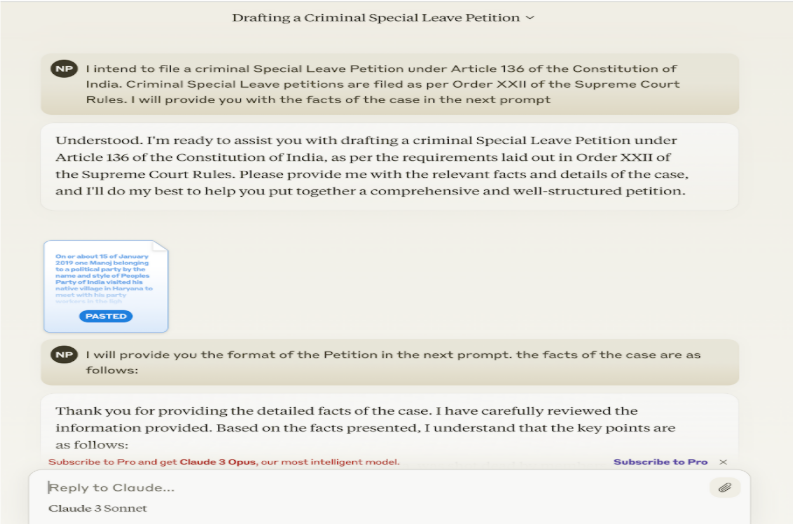
Step 2: Provide the Facts for Criminal SLP Drafting
Now, input the facts clearly.
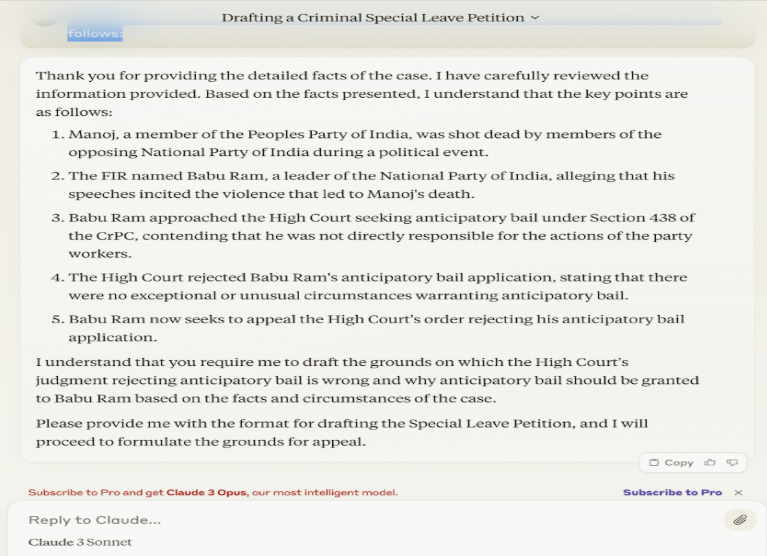
The SLP is against a High Court order refusing Anticipatory Bail.
Prompt:
“I will provide you the format of the Petition in the next prompt — the facts of the case are as follows:”
Step 3: Provide the SLP Format
Once the facts are given, provide a ready template and instruct AI to draft accordingly.
Prompt:
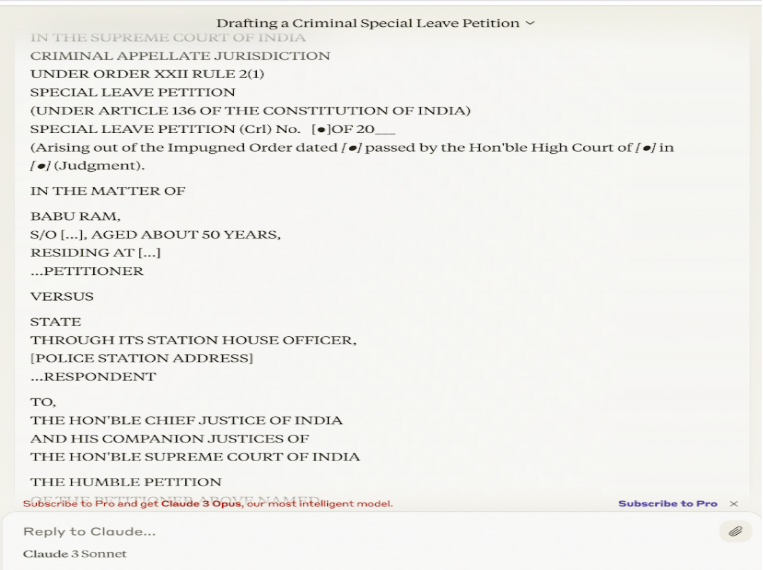
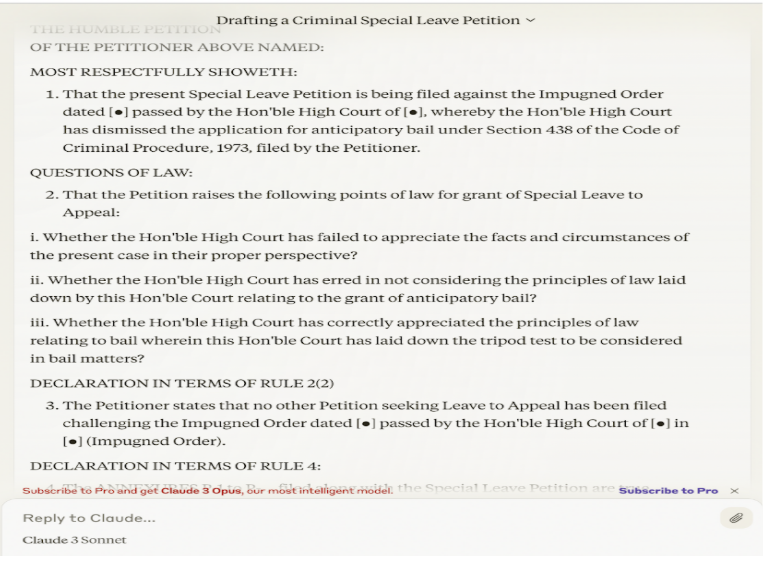
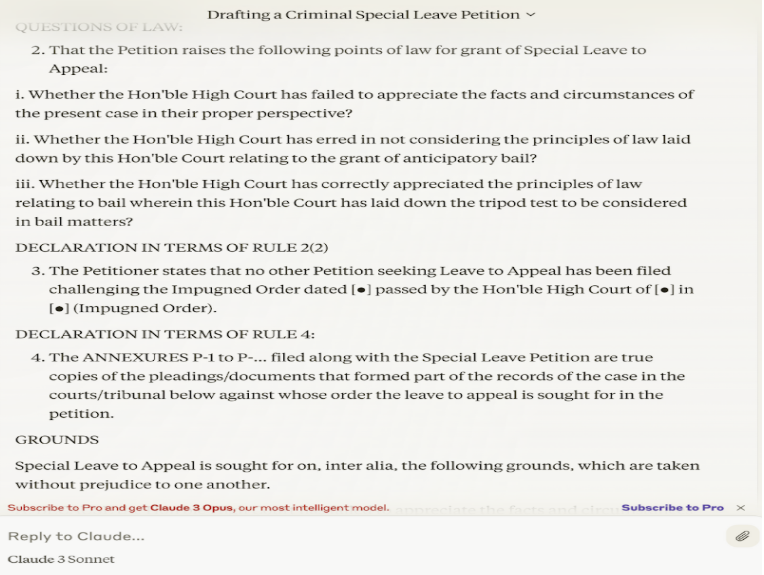
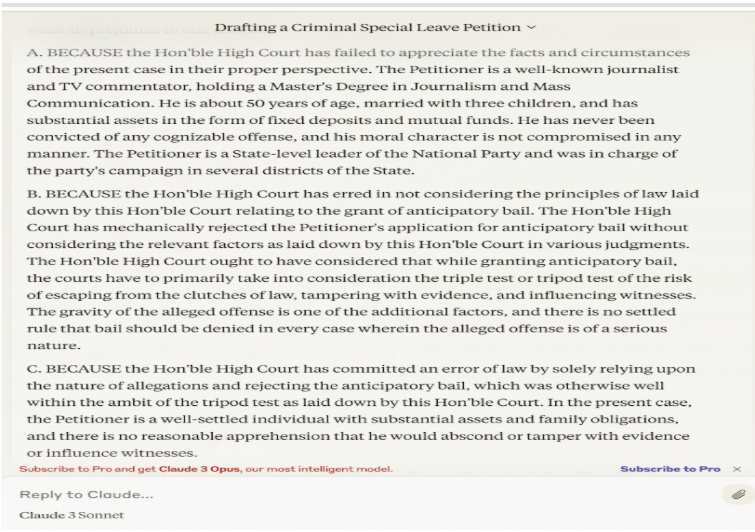
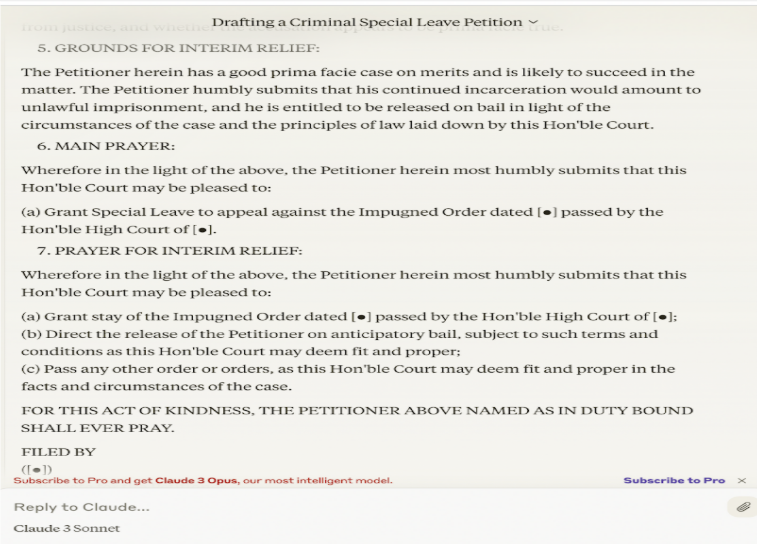
“Please draft the special leave petition in the following format.”
At this stage, AI will generate a draft Criminal SLP.
Step 4: Add Synopsis and List of Dates
The initial draft may not include:
- Synopsis
- List of Dates
You need to explicitly instruct AI to include them.
Prompt:
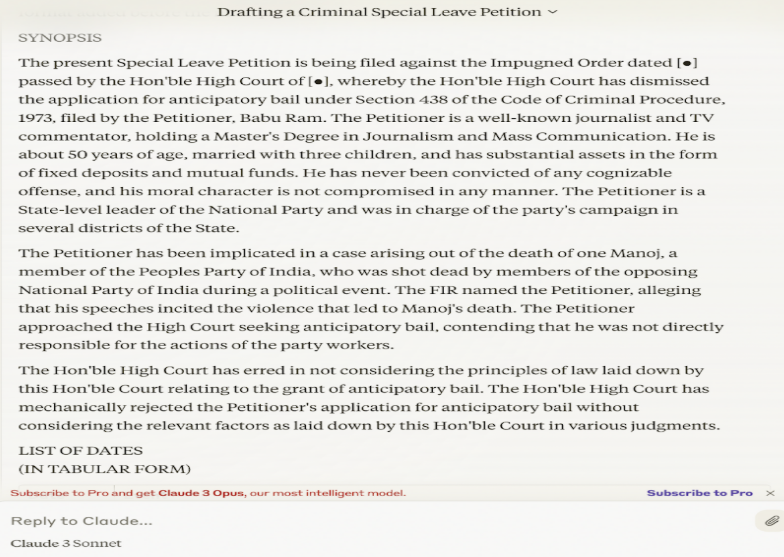
“Add a synopsis and a detailed list of dates. The list of dates should be in tabular format. Both synopsis and list of dates should come before the main petition. Retain the rest of the draft of the special leave petition.”
Step 5: Refine and Reproduce the Draft
AI will now generate the additional sections. However, the List of Dates may not be very detailed.
You can refine it manually.
Prompt:
“Reproduce the entire draft as per the format and the earlier prompt.”
Final Touches Before Filing
AI significantly reduces drafting time, but final refinement is essential.
You should:
- Proofread the draft
- Add annexures in the List of Dates
- Elaborate the List of Dates
- Add relevant precedents in the grounds
Access the Full Draft
You can find the entire draft here.
AI can make drafting faster and easier, but it’s your legal expertise that makes it effective. Use AI as a support tool, not a replacement, and you’ll be able to deliver better results while saving valuable time.





 Allow notifications
